
 Twitter
 Instagram
 LinkedIn
 Github
 Strava
 Facebook
 Seb heeft The Indie Web is the new Zines van Lillian gebookmarkt.
Alles
Seb heeft The Indie Web is the new Zines van Lillian gebookmarkt.De dag na de Pride, thuis huilen bij de samenvatting van de botenparade en Please Like Me. #gay
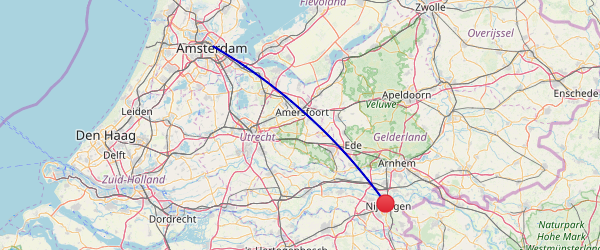
🚂 met de trein van Amsterdam naar Nijmegen (134 km)
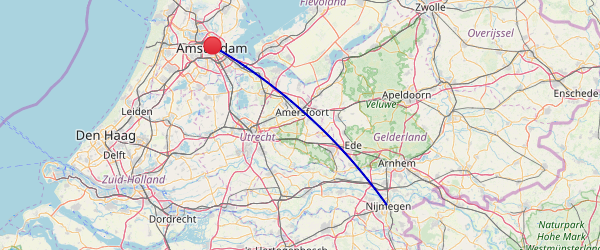
🚂 met de trein van Nijmegen naar Amsterdam (123,3 km)
 Seb is op pagina 38 van Pijpelijntjes van Jacob Israel de Haan.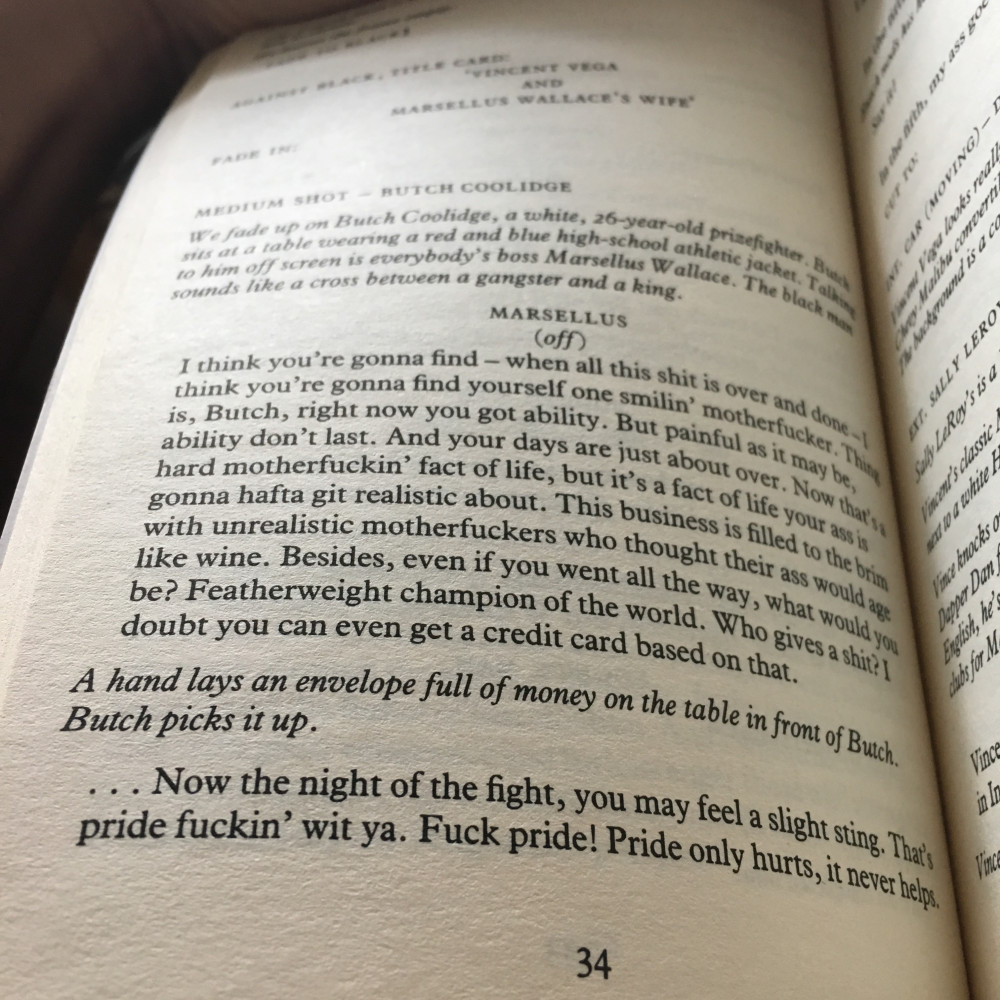
Fuck Pride ❤️🏳️🌈🎉
Seb is op pagina 52 van De meester en Margarita van Michaïl Boelgakov. Seb vindt Amsterdam 1978 vs. 2015, with and without cars van lape leuk. Seb vindt dit leuk.
als antwoord op
Ja!
🏃 hardlopen van Groesbeek naar Nijmegen (2,9 km)
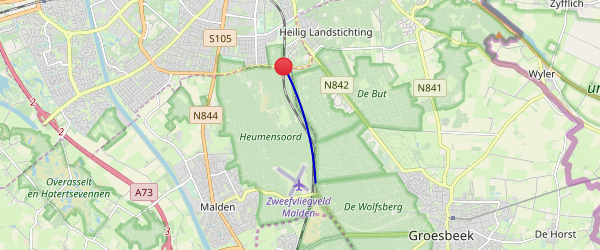
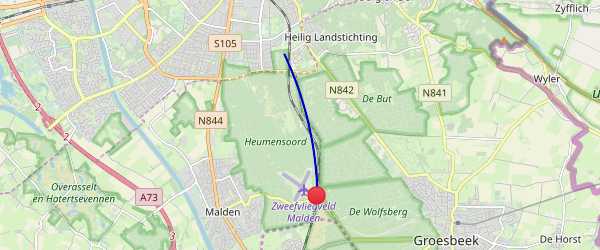
🏃 hardlopen van Nijmegen naar Malden (3,6 km)
Spellen in Nederlands en Engels is huilen: ‘galerij’ vs ‘gallery’, en wel ‘recensie’, maar toch ‘licentie’ vs ‘license’.
Seb vindt een foto van Evert de Vries leuk. Seb vindt een foto van Crispijn Sleeboom leuk.als antwoord op
Often it does not do everything in one job. It’s split it up into a smaller jobs. For example, it insert 100 products each time, instead of 10000 in one go.
The plugin does not split up jobs at the moment, the worker will just run for all 10.000 jobs, but if you're using the Cron setup, it will do it behind the scenes. (It will still take a while, but at least people are not waiting for it, and the work has to be done anyway, or else you shouldn't queue it in the first place.)
Instead of doing what I suggested with starterhook or the image hack, it could probably be solved with an ajax call.
Sure, that's the same thing. The important part is that you cut the connection to the client as soon as possible, and ignore that connection loss. You just want to trigger a work script, you are not loading something for the user. What if your job takes one minute, the user closes the page after 30 seconds, and your script terminates mid-work? If you're using an image or an AJAX call: return something, disconnect, then work.
Edit: note that the cron job is always preferred above the AJAX or img, because if you don't have visitors, you're job will not be done with the AJAX or img route.
als antwoord op
For anyone who's reading along: if you just want to define a job and do it / trigger it somewhere else in your code, you can use Kirby's triggers:
kirby()->hook('my.action', function($name, $message) {
  echo 'hi ' . $name . ', ' . $message;
});

// and elsewhere:

kirby()->trigger('my.action', ['Seb', 'how are you?']);
Or take a look at Kirby 3's new Events:
use Kirby\Events\Events;

// the class with the events trait
class MyClass {
    use Events;
}

// create the event
MyClass::on('say', function($message) {
    echo $message;
});

// trigger the event
MyClass::trigger('say', 'hello');als antwoord op
Ahh, I see! Yeah, I am on shared hosting, but still have Cron (in my DirectAdmin panel, under advanced, but it's there), and most of the shared host I have seen here in The Netherlands have it enabled too. So that's why I took this cronjob approach first.
I totally agree the image looks hacky, but your starthook runs on pageload, right? Then you're just moving the work to the next request, which is even worse than doing it inline. (A person sending a webmention knows what it's waiting for, but the person who visits the homepage right after a webmention was requested just thinks the site is slow.)
The whole point about a queue is to get work out of the pageload, into a separate process. Any solution that triggers with a panel hook, within a plugin, etc, will defeat the purpose of the queue.